DIY Door Nameplate
Build a simple two-colour door nameplate while following the complete 3D design process.
Before you begin: This DIY project focuses on the 3D design workflow. It assumes you already have basic familiarity with Tinkercad and your chosen slicer (such as Bambu Studio or OrcaSlicer). Detailed software operation and printer setup are not covered in this project.
1. Concept — Define the need
The project is a door nameplate. Turn the idea into measurable requirements before modelling.
Display on a door
170 × 40 × 5 mm
150 × 20 mm
Black base; white Arial Bold text
Double-sided tape
PLA recommended. Easy to print, provides good detail, and is suitable for an indoor nameplate.
Name centred with at least 10 mm at each end
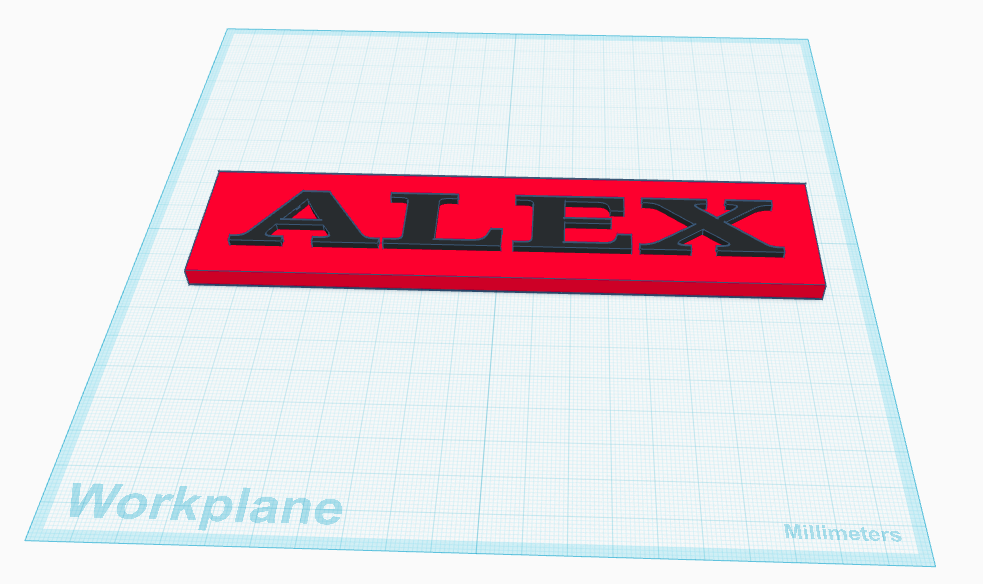
2. Model — Build it in Tinkercad
Tinkercad provides immediate visual feedback and is suitable for this beginner project.
3. Slice — Prepare the print
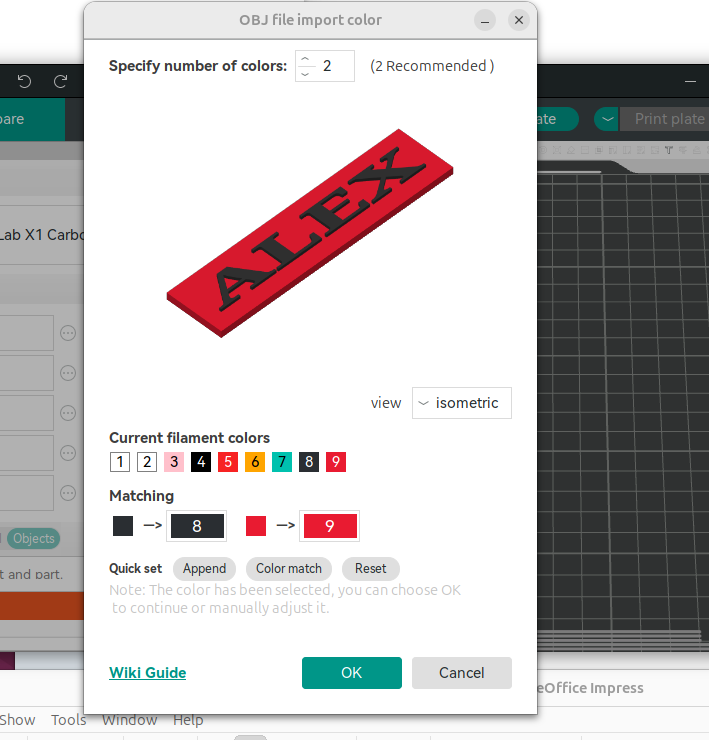
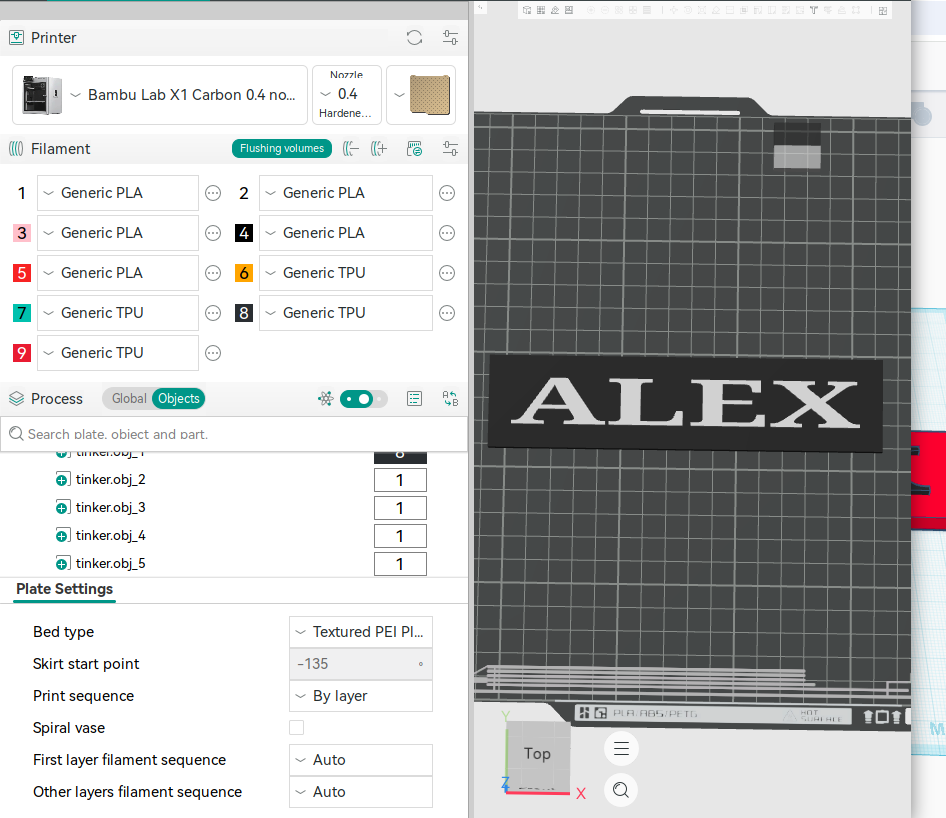
Use Bambu Studio or OrcaSlicer, depending on availability.
4. Print — Make the object
Load the filaments, clean the build plate and monitor the first layer. Continue the print once adhesion and the initial layers look correct.
5. Evaluate — Check the result
Compare the finished nameplate with the original concept and project requirements. Check size, spelling, alignment, colours, finish, strength, flatness and mounting. Record the result and identify any change required.

Return to CONCEPT
Return to MODEL
Return to SLICE
Return to PRINT
The process repeats until the finished object meets the original need.