DIY TPU Headphone Cover
Design and print a flexible replacement cover for a damaged headphone headband.
Before you begin: This is an intermediate design project. It assumes you already have basic familiarity with OpenSCAD and your chosen slicer. The project focuses on the design workflow rather than detailed software operation or printer setup.
1. Concept — Define the need
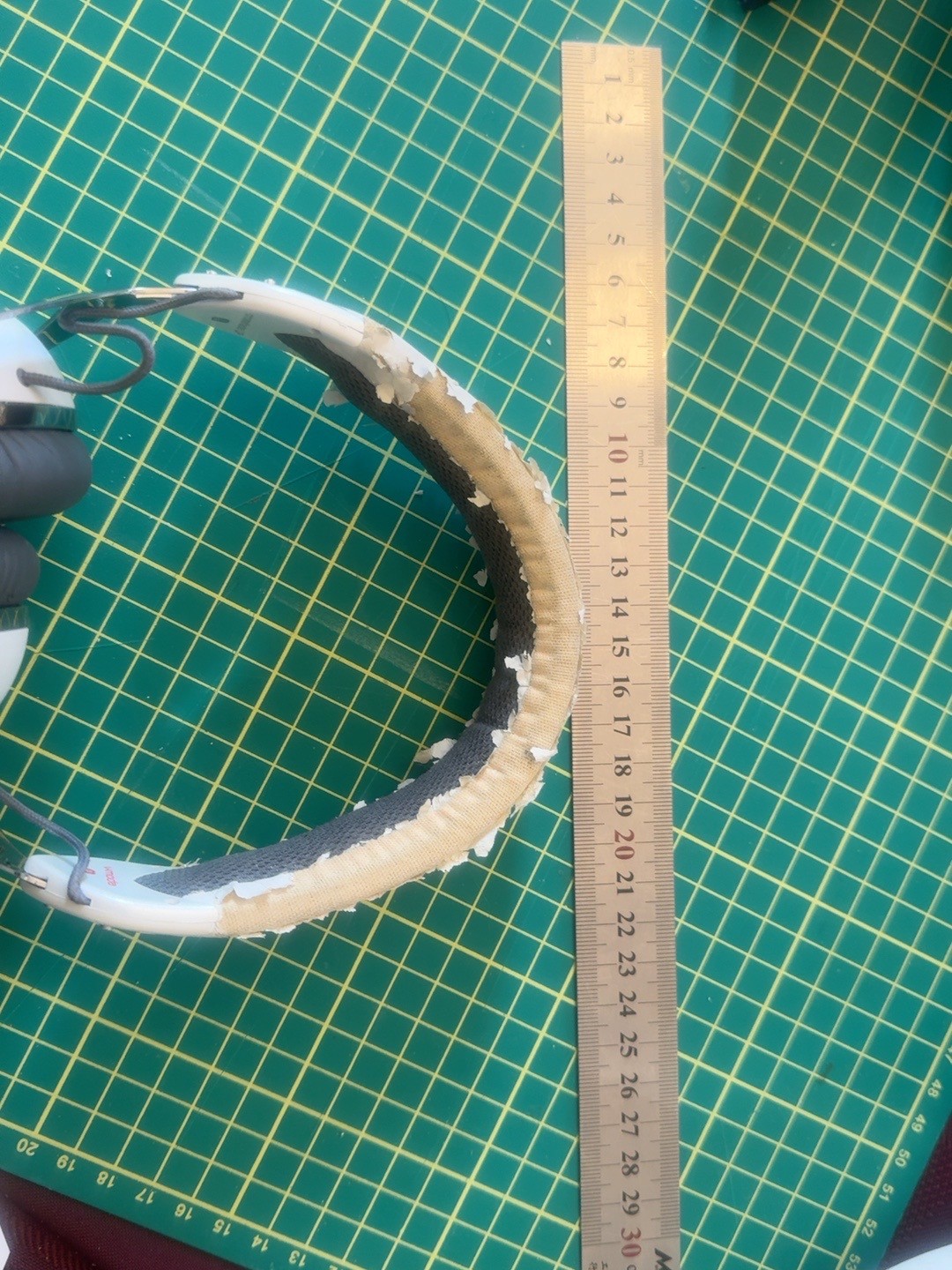
The original headphone headband covering is damaged. The goal is to design a flexible TPU cover that clips over the existing headband while remaining comfortable and secure.
Cover and protect the damaged headphone headband.
TPU 95A for flexibility and durability.
Measure the existing headband and design the cover to fit securely.
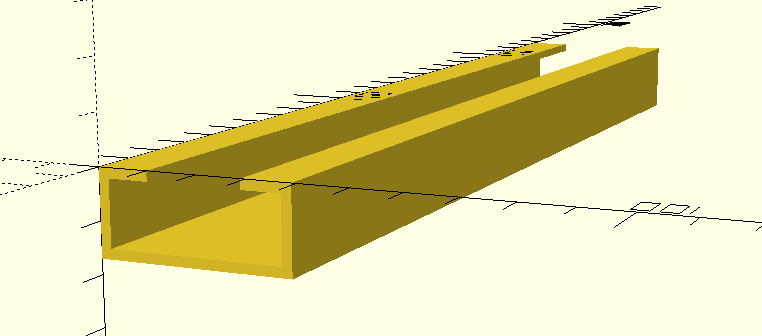
U-channel that wraps around the existing headband.
Clip-on design without permanent modification to the headphones.
Designed so the part can be printed reliably in flexible filament.
2. Model — Build it in OpenSCAD
OpenSCAD is used because the cover can be built parametrically from the measured dimensions.
3. Slice — Prepare the print
Use the slicer of your choice and prepare the TPU model for printing.
4. Print — Make the object
eSUN TPU 95A
Bambu standard TPU settings
2
15% grid
2 mm
Print the cover and monitor the first layers to confirm good adhesion and correct extrusion of the flexible filament.
5. Evaluate — Check the result
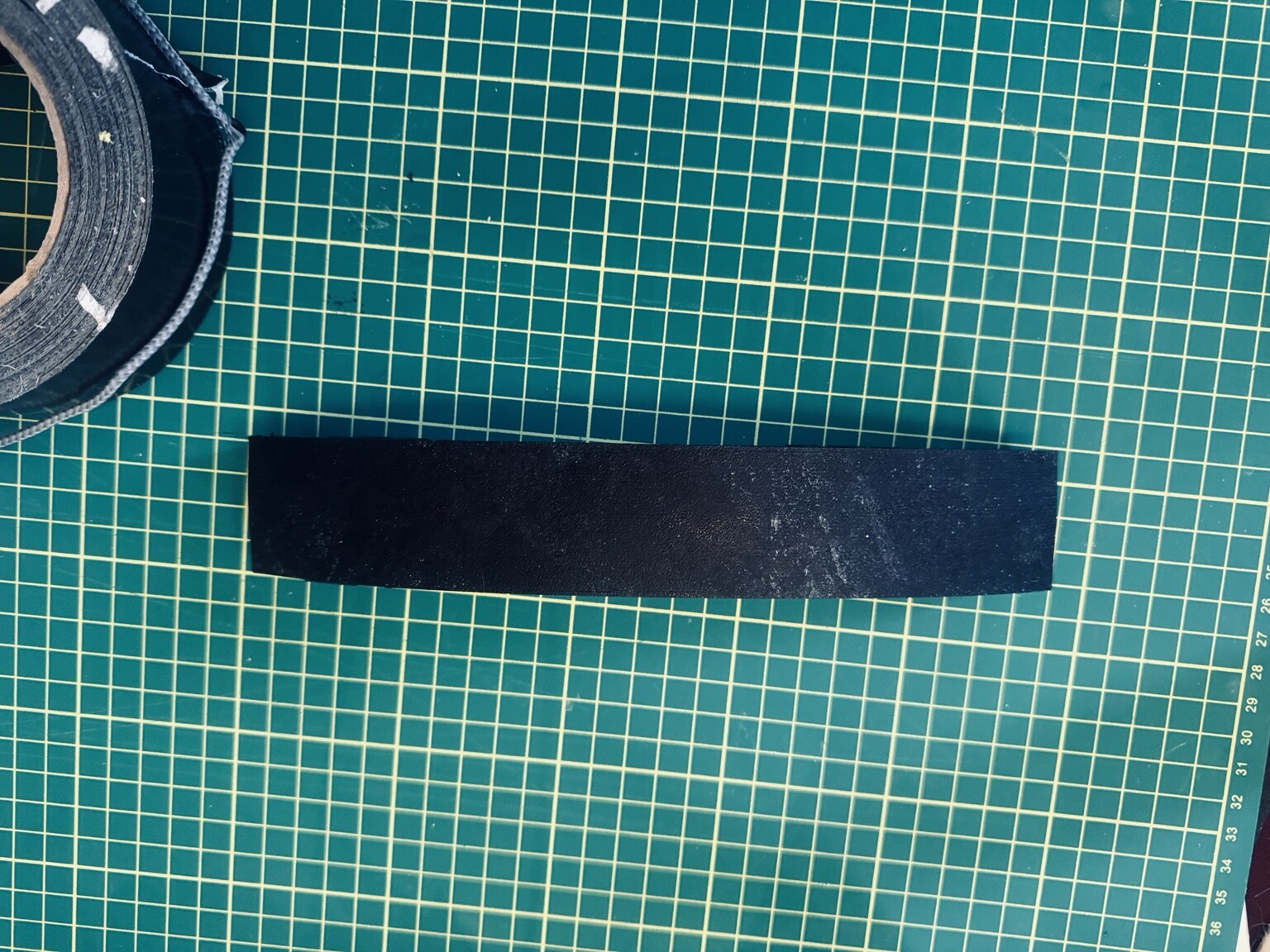
The first version fitted the headphone band, but testing revealed a problem. When the cover was bent around the curved headband, the continuous side walls buckled.
Return to CONCEPT
Return to MODEL
Return to SLICE
Return to PRINT
Evaluation result: The basic fit was successful, but the wall geometry needed to be redesigned to allow the TPU cover to bend without uncontrolled buckling.
5A. Model Revision — Correct the problem
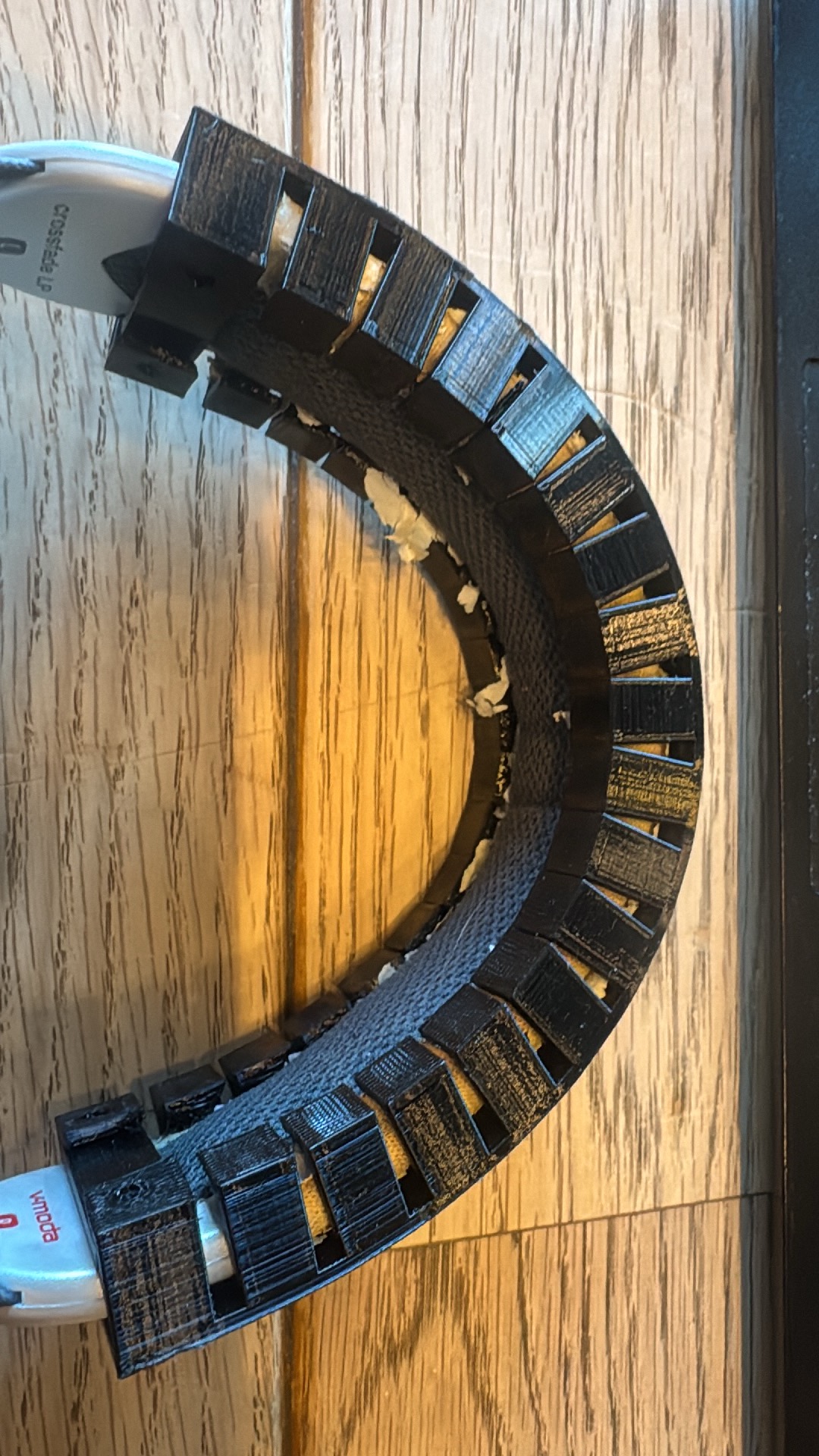
The evaluation identified the continuous side walls as the problem. Return to the OpenSCAD model and modify the design while retaining the successful basic fit.
Revised Design Dimensions
235 mm
35 mm wide × 13 mm high
2 mm
8 mm
3.5 mm
13 mm pitch
39 mm wide × 17 mm high
Ø4 mm
11 × 35 × 3 mm
Ø4 × 5 mm
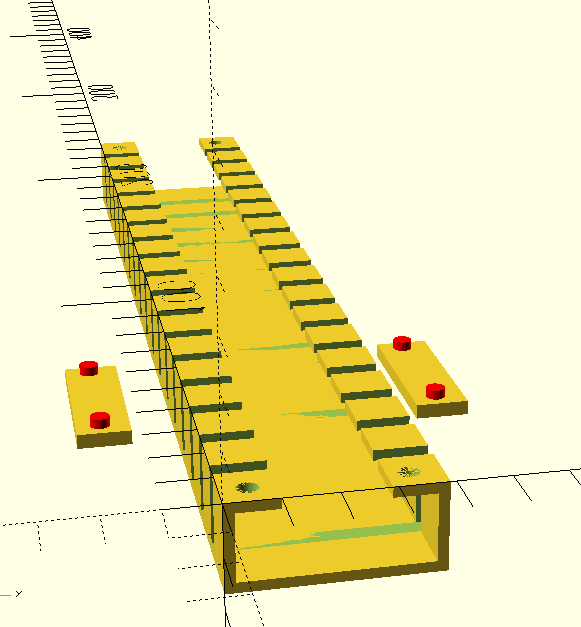
The design process is iterative. Evaluation of a physical print can reveal problems that were not obvious in the original CAD model.
Addendum — OpenSCAD Program Structure
The OpenSCAD program is organized into parameters and reusable modules.
Uses parameters, inside and outside modules.
Uses all modules, including fingers, retaining clips and retaining-clip holes.
Assembly calls at the end of the OpenSCAD program determine which modules are included in the generated model.